









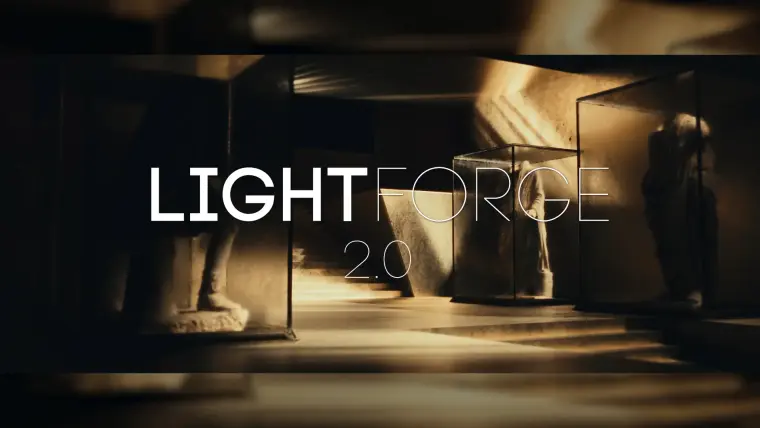
LIGHTFORGE 2.0
Transform Unreal Engine from a game engine into a powerful filmmaking tool - so you can focus on what’s important: telling your story.
LightForge takes the guesswork and headache out of the equation when it comes to getting the best quality out of your Unreal Engine scenes.
This new plugin from Boundless Entertainment allows you to:
Set up your project for Path Tracing, Hardware Ray Tracing, and more with the click of a button
Quickly optimize your scene for the highest quality possible with just 3 clicks using LightForge’s Optimize buttons
Render your scene with ease using LightForge’s incredible built-in render presets to get cinematic-quality renders with just a few clicks
Optimize Nanite meshes in your scene for use with the Path Tracer and Ray Traced shadows simultaneously, without artifacts introduced by Nanite
Easily modify important quality settings directly from LightForge’s central console for quick and easy modification
Enable Nanite Landscapes with a few clicks
Quickly set real world exposure values for your scene with one click