













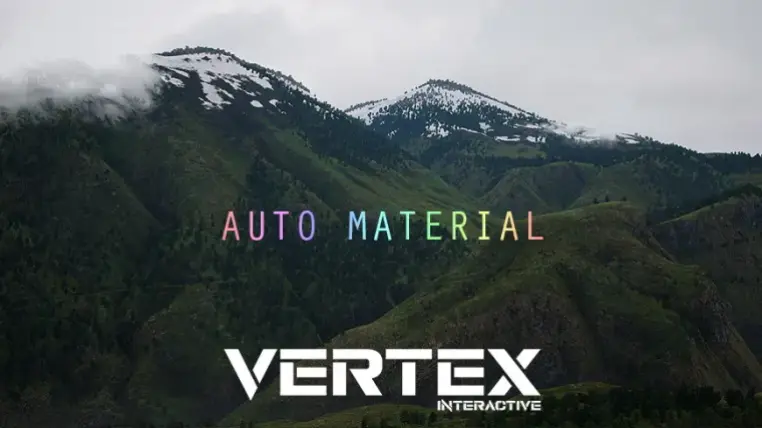
Landscape Smart Material
Apply the material instance to any landscapes. First layer will texture the entire landscape automatically.
On top of that, you can also paint manually with other layers. All foliage is distributed procedurally using "Grass Tool" and "Procedural Foliage Spawner".
Note : Grass Tool does not support collision. (Rocks and small shrubs are placed using Grass Tool).
How To Use
1) Apply the material instance to your landscape.
2) Navigate to the landscape painting tab and click on the + sign next to each layer and select "Weight-Blended".
3) Right click on the first layer and select "Fill Layer".
Features
• Auto Slope Material
• 64 Square Kilometers
• Surface Customization
• 1x1 Meters Vertex Density
• Procedurally Accumulated Snow
• Apply To Landscapes of Any Size
• Automatic whole landscape texturing
• Powerful Material Instance Parameters
• Ability to paint landscape layers manually
• Dampen landscape according to snow accumulation
• Distance Based Landscape Tessellation
• Heightmap Based Layer Blending
• Custom plug and play functions
- Distance Tessellation
- Displacement Fade
- Distance Fade
- Mask Modifier
- Panner Water
- Cloud Panner
- Colorizer
- Mixer
• Dynamic Cloud Shadows
• Ground Cover
• Grass Types
Technical Details
PBR: Yes
Textures: Up to 8K
Supported Platform: Windows 64-bit
Target Platform: Windows 64-bit
Documentation: No
[15] Material Function
[24] Material Instance
[1] Landscape
[50] Texture
[13] Material
[24] Mesh